Every detail. In the right case.
Implants with REF and LOT, surgical protocols, clinical findings, radiographs, measurements and voice notes stay together in a structured patient record.
 ImplTrack®
Organise case records, find what you need and share it with the right people. With follow-up documentation and personal implant statistics.
Your first 10 implants, free. No time limit.
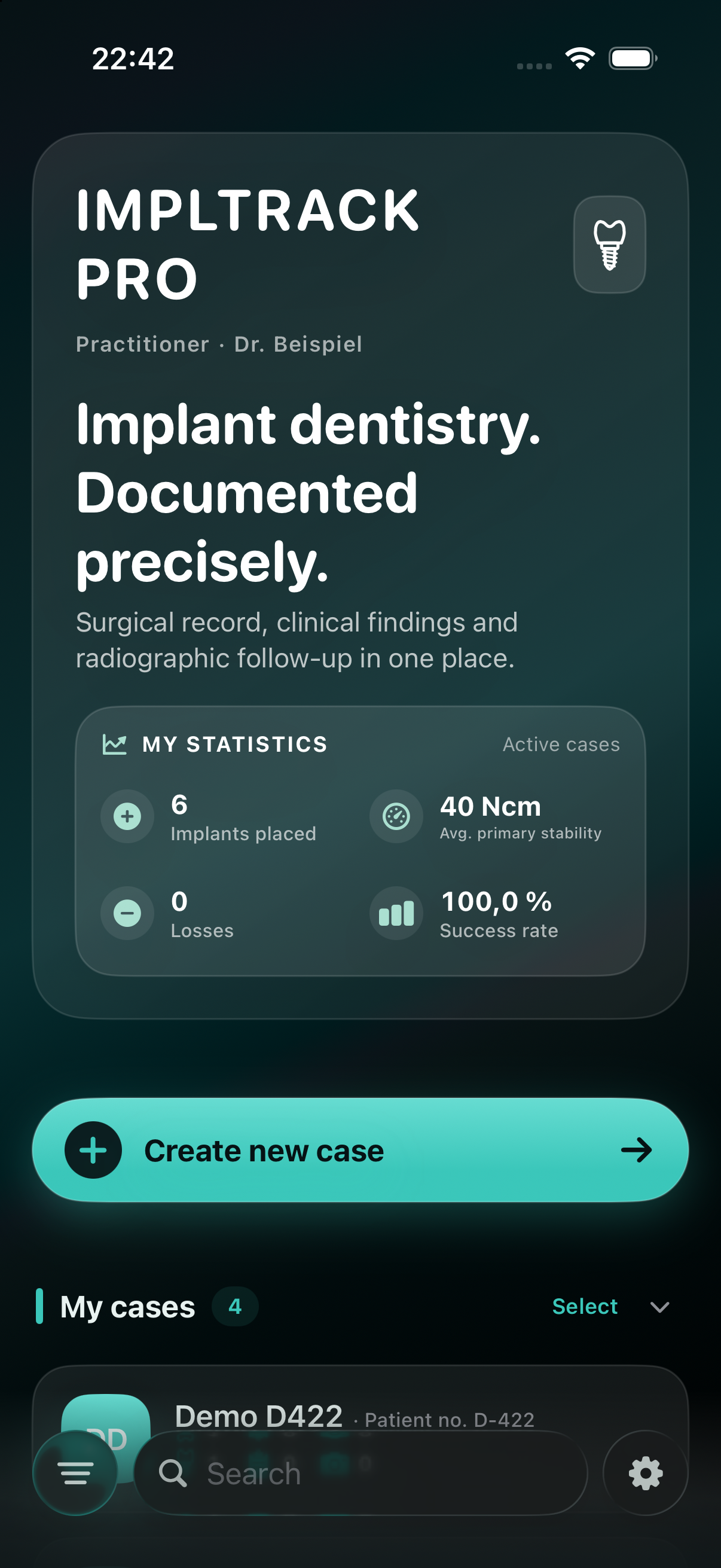
One case record for the whole treatment. ImplTrack keeps the details together, from placement to follow-up.
Implants with REF and LOT, surgical protocols, clinical findings, radiographs, measurements and voice notes stay together in a structured patient record.
Search cases, organise them with tags and archive completed treatments. Keep the documentation accessible for follow-ups and questions.
Share a complete case or selected content. Create a readable report for your records, a case file for colleagues or an implant passport for patients.
Case records are stored on your device. When enabled, iCloud synchronisation connects your own Apple devices. Encrypted backups preserve a saved state for later restoration, locally or through iCloud when configured.
Synchronisation and backups serve different purposes. Check your backup status and protect any additional exports. Existing records remain editable, readable and exportable even without an active Pro subscription.
More about storage and privacy ↗Documentation, radiographic follow-up, inventory and personal statistics. Thoughtfully connected.
Scan implant labels and add product information straight to the case. Manufacturer, dimensions, REF and LOT stay together.
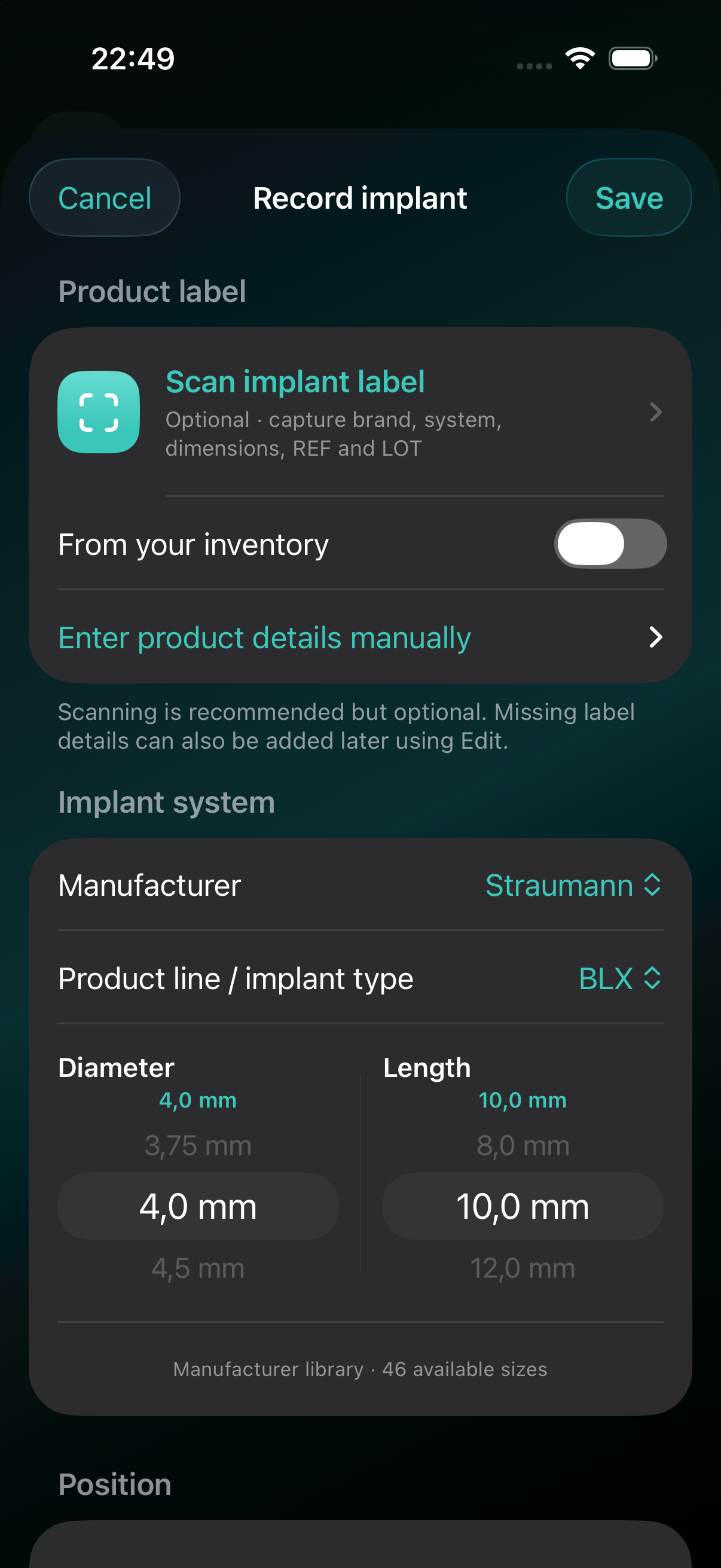
Original app · Demo data
Keep implants, findings and radiographic follow-up in one patient record. Calibrate radiographs and compare follow-up images with the baseline.
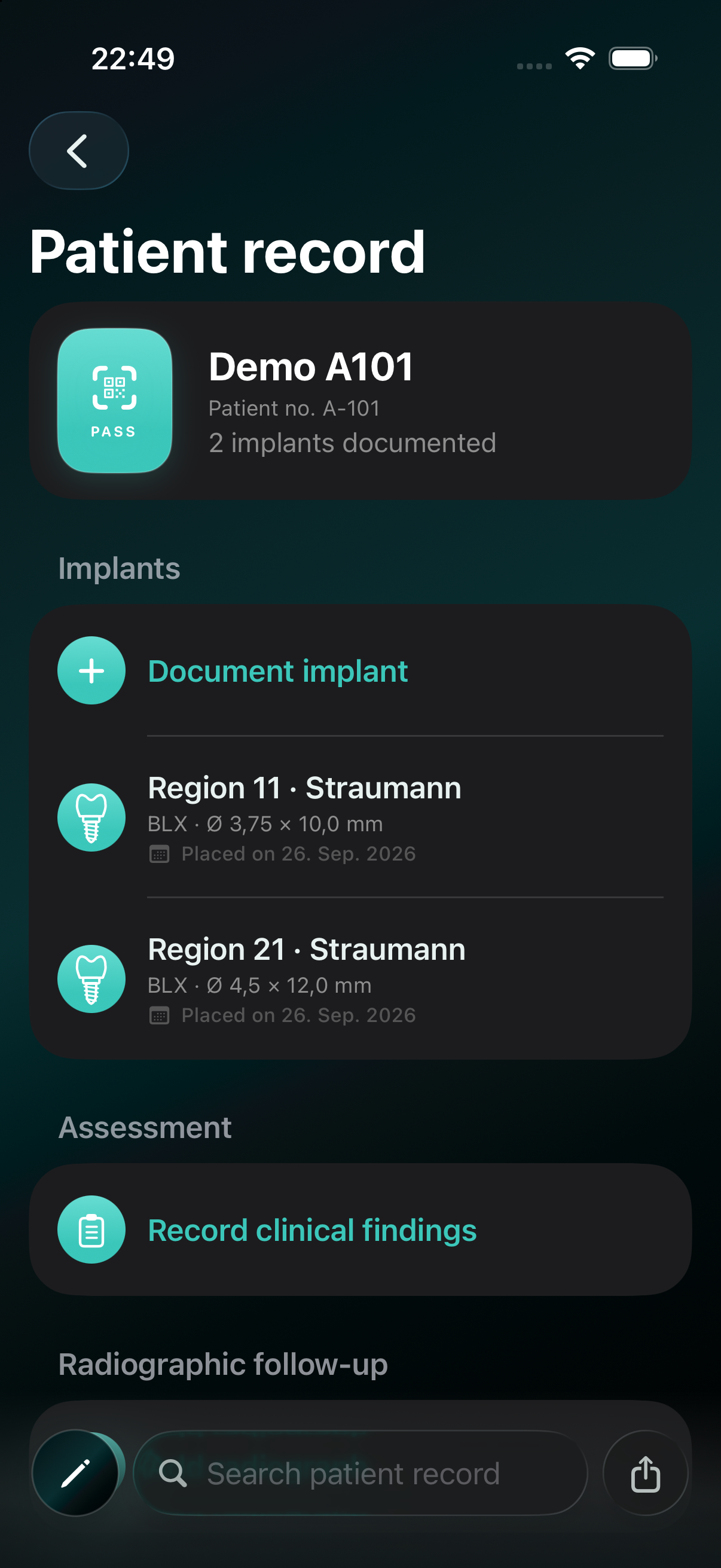
Original app · Demo data
Manage stock, deduct implants as they are used and identify products that need reordering.
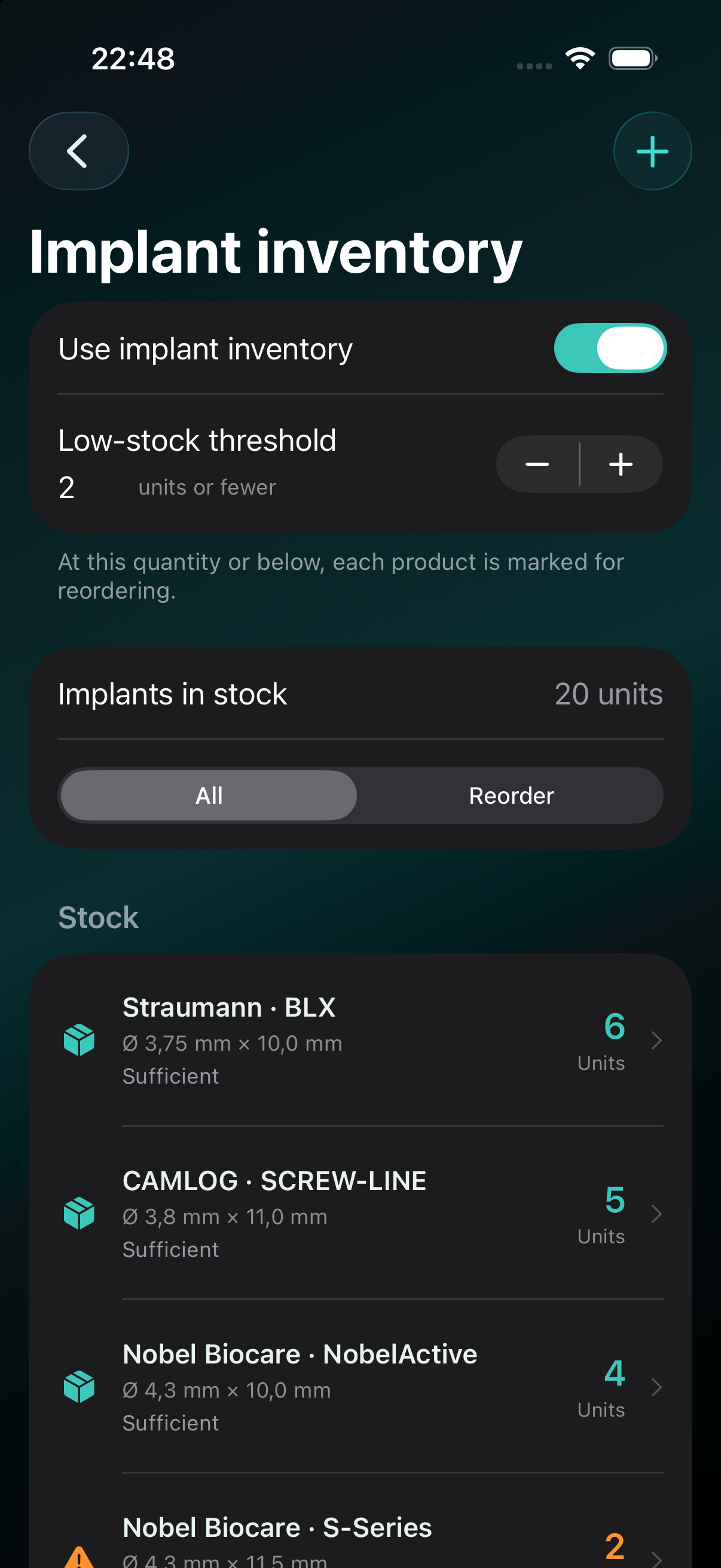
Original app · Demo data
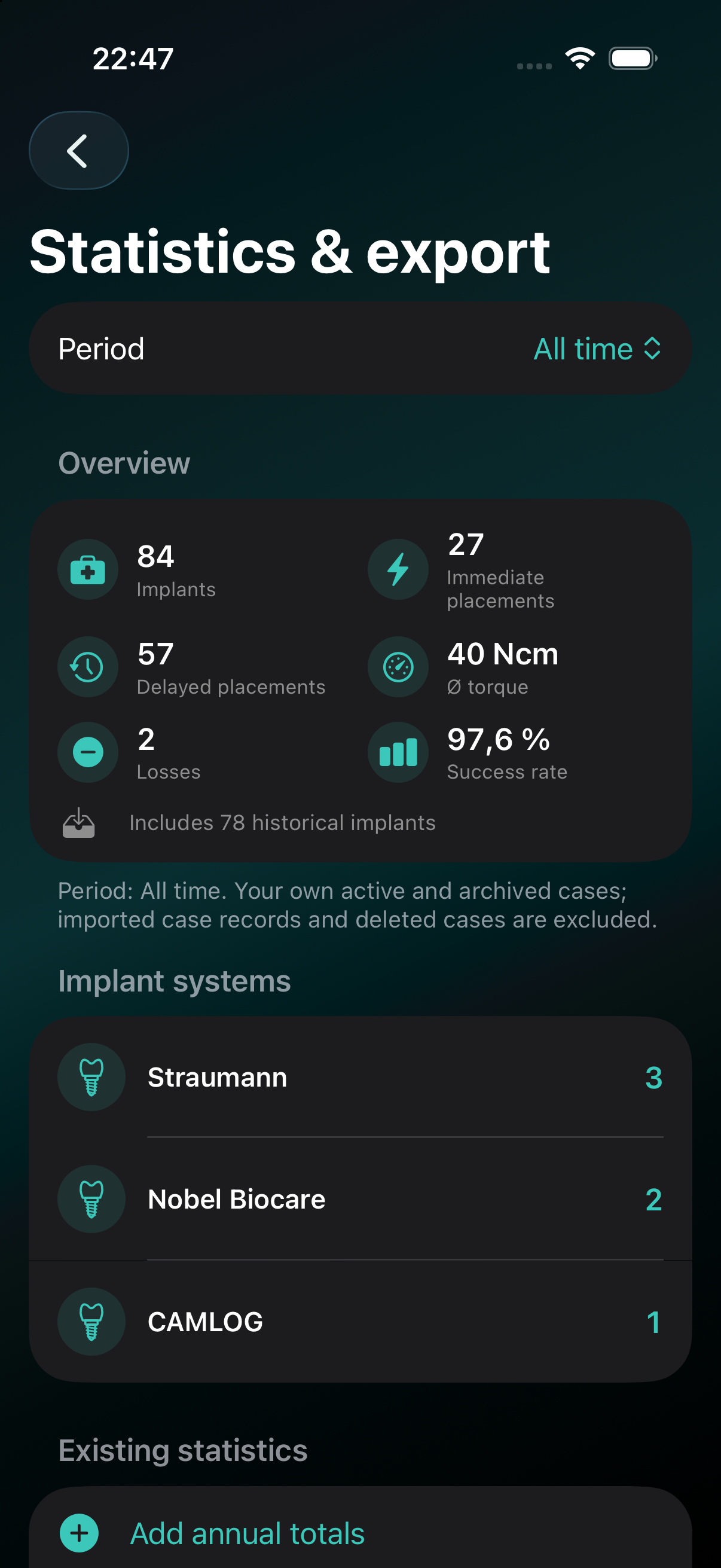
How many implants have you placed? What is your average insertion torque? Turn documented results into a clear personal overview.
Implant count, immediate and delayed placements, average insertion torque, losses and success rate.
Review results by period and see the distribution of implant systems. Add historical annual totals where needed.
Export complete implant data to Excel, or share the key figures as a PDF or image.
The first 10 implants you create are free. Choose ImplTrack Pro to document more.
€9.99/ month
All Pro features. Document implants without a quantity limit.
Get started on the App Store ↗€99/ year
Equivalent to €8.25 per month. Save €20.88 compared with twelve monthly payments.
View on the App StoreSubscriptions are purchased and billed through the App Store. Prices and offer terms displayed there apply.
Existing records remain editable, readable and exportable without an active subscription. Deleted implants still count towards the free allowance.
Face ID on supported devices, protected PDFs and local backups help you manage sensitive records.
Read the privacy policy ↗A digital implant passport for your patients. Provide it at the practice, scan it with an iPhone and share it when needed.
 Free app for patients
For iPhone, iPad and Mac.